
Start with the current scene
Describe the scene and the exact action or conversation. Choose an ordinary interruption that fits its tone, then keep what matters intact during the pause.
DM & session
Pause the moment.
Keep the loose thread.
Give them a way back in.

Keep what was already happening
Preserve the unfinished conversation, question, deal or task.
Describe the scene and the exact action or conversation. Choose an ordinary interruption that fits its tone, then keep what matters intact during the pause.
Present the loose thread and natural ways to resume or pivot. Prepare useful scene material while leaving character decisions with the players.

A small change in the moment
A garden rehearsal pauses under a brief sun shower. The performers still hold their written pages while the group shelters nearby, keeping the activity visible.
Choose a summons, schedule, weather change, distant commotion, absence, distraction, practical snag or animal interruption. Match the tone and duration to what is already happening.
What you can create
Shape the interruption, preserved moment and ways back into the scene.
Describe the conversation, negotiation, investigation, performance or practical task. Keep what was already happening at the centre of the result.
Name the action or sentence that is cut off and what must stay intact during the pause. Hold onto the detail the table needs to return to.
Choose a summons, schedule, brief weather change, distant commotion, temporary absence, small distraction, practical snag or animal interruption.
Receive a line to read at the table beside the scene, the interruption and the exact moment it cuts off. Begin your copied table-ready version with that line.
Preserve the unfinished sentence, unanswered question, open deal or half-done task. Keep the point of return visible instead of discarding the moment.
Choose how long the pause lasts and set its tone. Shape the interruption to fit the pace of the current session.
Give the players several natural ways to return to the same point or move elsewhere. Keep the next decision with the group.
Add the exact moment to preserve, the loose thread, anything to avoid and private Dungeon Master context. Review the player-facing and full views.
Edit the interruption, lock details you want to keep and reroll other parts. Save the version that fits your scene.
Reopen saved scenes and their twelve-version history. Copy, download a structured record or print material for the table.

Hold the unfinished detail
A cat sits on the map in the library illustration while the group keeps the route and bookmarked notes close. A cushion offers a practical way to move the interruption aside.
Describe the current scene, what the interruption cuts off, its kind, tone and duration. Add the exact preserved moment, the loose thread, details to avoid and private context in the deeper workflow.
Prepare the pause
Keep the important detail, then offer clear ways to continue.
Name the scene, conversation or task and exactly what the pause interrupts. Set out what must remain intact.
Pick an ordinary kind, set its tone and choose a short, medium or longer pause. Use what fits the current session.
Name the unfinished sentence, unanswered question, open deal or half-done task. Add avoidances and private Dungeon Master context.
Read the table-ready line and the ways to resume or pivot. Edit, lock or reroll details until the interruption suits the scene.

A pause, then a way to continue
Sheep cross an orchard path beside the group and its open maps and notebook. The conversation pauses around an ordinary obstacle, with the preparation still close at hand.
Present the read-aloud line, exact cut-off, duration and unfinished thread. Offer several ways to resume from the same point or pivot elsewhere, then let the players choose their direction.
Keep the scene available
Keep useful variations and prepare the view your table needs.
Save interrupted scenes to your VISINVOKE account. Reopen, rename, duplicate, search, tag, annotate or delete them when needed.
Earlier variations stay available through a twelve-version history. Review previous versions while preparing a scene for your next session.
Copy the table-ready interruption with the read-aloud line first. Choose the full Dungeon Master view or player-facing view for the situation.
Download a structured record or print the scene material. Keep the ordinary interruption, loose thread and ways to continue together.
Your workspace and related products
Open VISINVOKE products through your account.

Open Interrupted Scene from the Generators collection in your signed-in Windows desktop workspace.
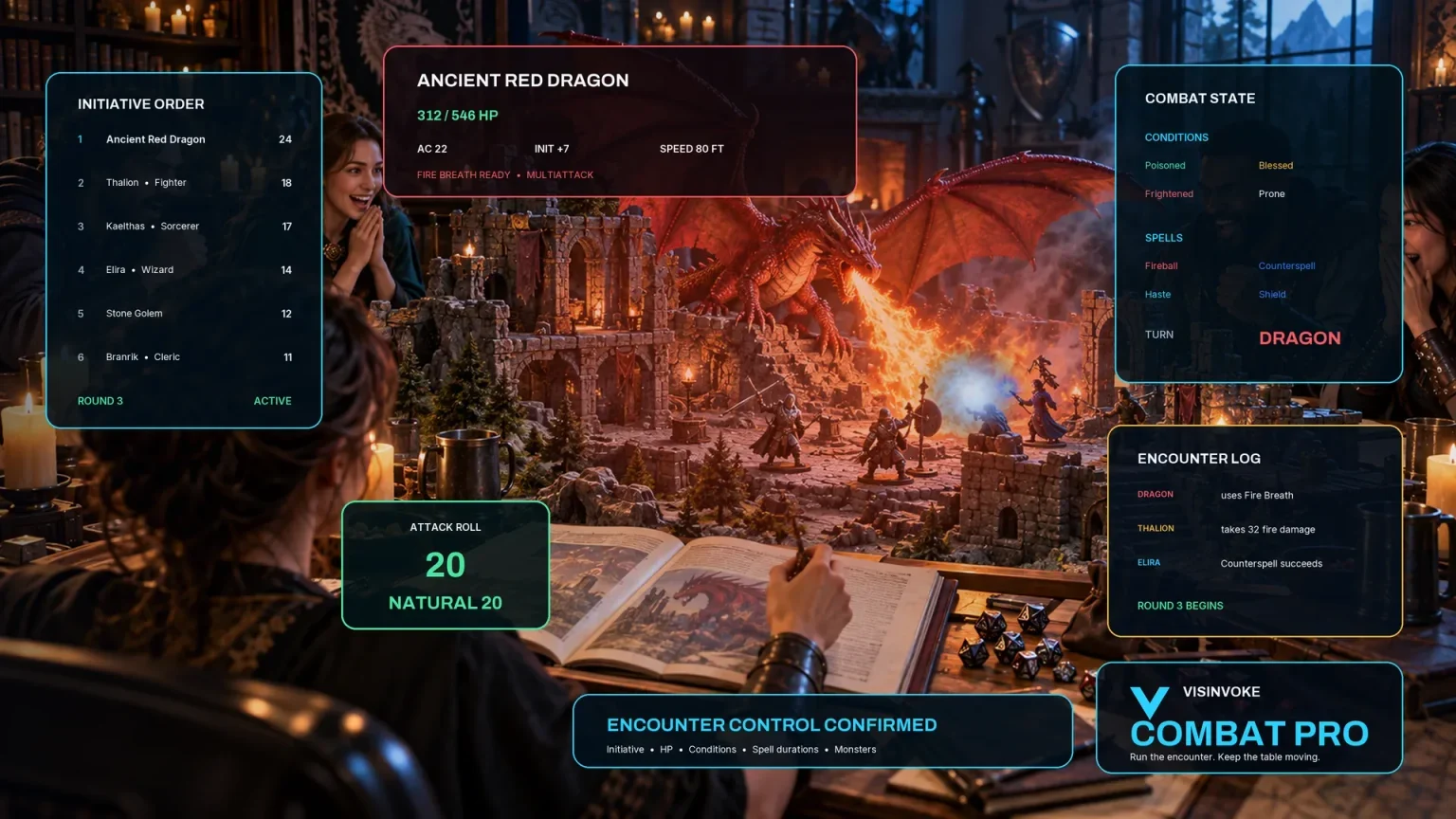
Explore a separate VISINVOKE workspace for preparing and running combat at your table.
Images are product illustrations. Interrupted Scene provides scene material independently of combat.
Questions and answers
Ordinary interruptions, loose threads, saved scenes and table-ready views.
One ordinary interruption in a scene already in progress. It records the scene, exactly what is cut off, a ready read-aloud line, the loose thread, the pause duration and ways to resume or pivot.
A summons, schedule, brief weather change, distant commotion, temporary absence, small distraction, practical snag or animal interruption. Choose a tone and a short, medium or longer pause.
Describe the exact action or conversation and what must not be lost. In the deeper workflow, name the preserved moment and unfinished question, sentence, deal or task, then add anything to avoid.
The result offers natural ways to resume or pivot. It supplies scene material for the table; the players decide what they do next.
Save scenes to your signed-in VISINVOKE account. Reopen, rename, duplicate, search, tag, annotate or delete them, and revisit earlier variations through a twelve-version history.
Copy the table-ready interruption with the read-aloud line first, use the full Dungeon Master or player-facing view, download the structured record or print it. The tool provides scene material independently of Combat PRO.
Continue in VISINVOKE
Create a free VISINVOKE account or sign in to your existing account. Get Desktop Control Centre through your account installer page.
Open Interrupted Scene in the Generators collection on Windows. View current subscription details in your account.